01
Start on Garmin
Pick Game, Practice, Pickup, Goalie, Open Skate, or Pond Hockey, then begin the workout once.
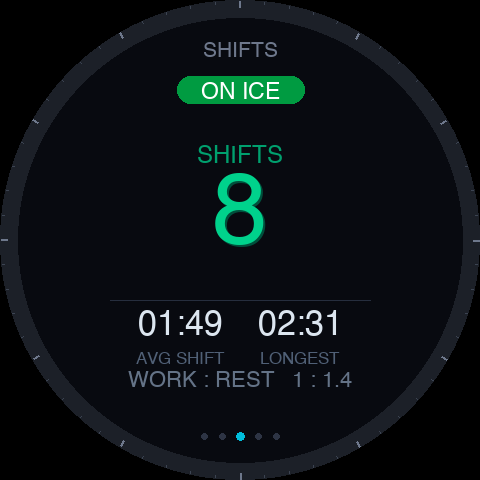
Start RinkPulse once on your Garmin, play your game, and get automatic shifts, ice time, bench time, work/rest, heart-rate zones, speed, distance, and goalie stats afterward.
The watch records the skate. The phone companion handles history, charts, edits, imports, and optional cloud saves.
Pick Game, Practice, Pickup, Goalie, Open Skate, or Pond Hockey, then begin the workout once.
RinkPulse looks for skating and bench evidence automatically. No gloves off and no tapping after every change.
See the summary on your watch, then use the phone companion for history, charts, edits, and imports.
Bench vs. ice, picked up from skating motion, optional gyro confidence on supported watches, and short heart-rate context. No tapping after every shift.
How many you took, how long they were, and whether the third period got ugly.
Real numbers, not just active duration. See how much of the game you actually played.
The single most useful number for not gassing yourself in the third.
Time in each zone across the whole game and on a per-shift basis.
Tap saves and goals against from the watch. Save % at the buzzer.
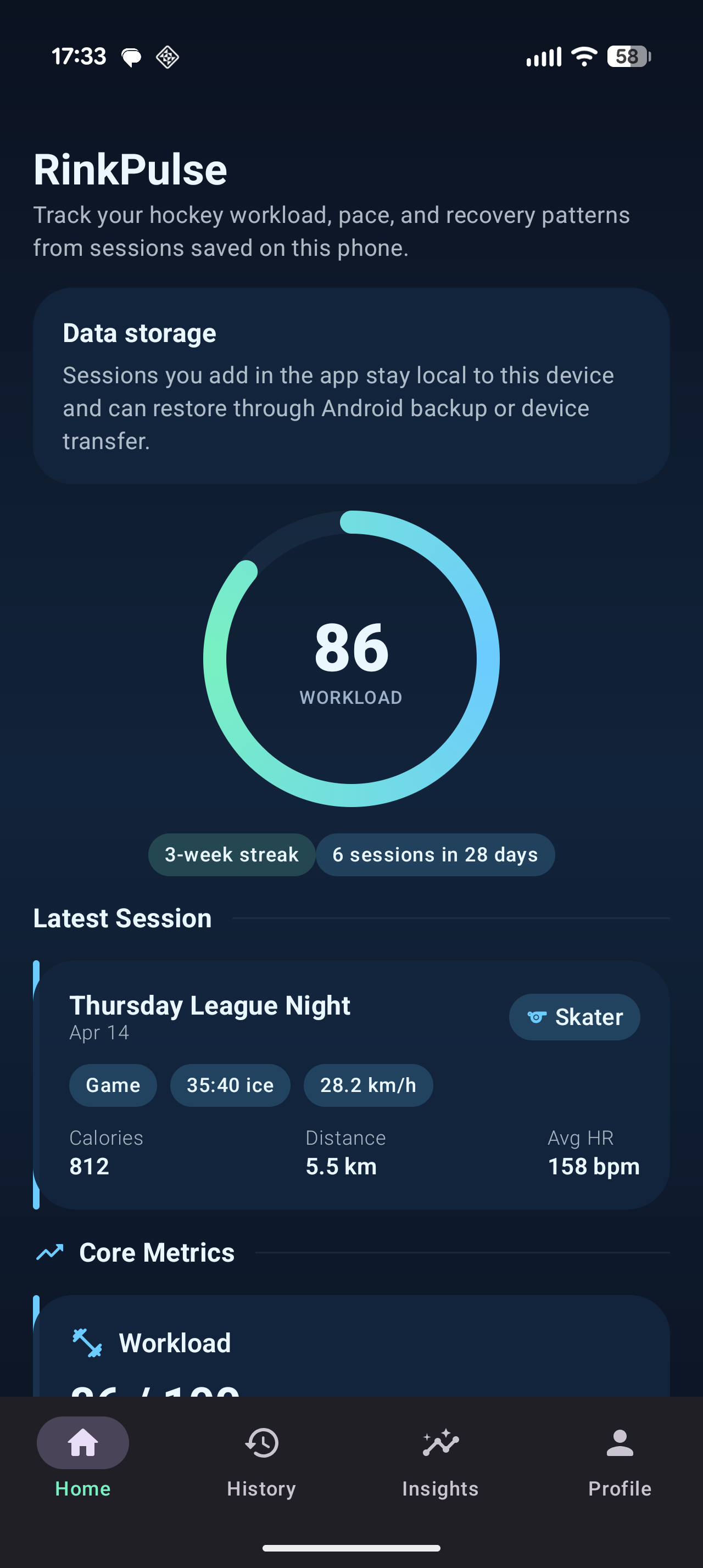
If you play hockey with a Garmin and use an iPhone or Android phone, one real skate can make RinkPulse better. The watch records the session; the phone companion is for history, edits, charts, optional cloud saves, and watch-session import.
Use this if you have an iPhone and can test the iOS companion with manual entries or completed RinkPulse Garmin watch sessions.
Include your Apple ID email if it is different, iPhone model, Garmin watch model, and what kind of skate you can test.
Join the Google Play open test on the web first, then install from Google Play on your Android phone using the same Google account.
Email rinkpulsesupport@gmail.com if Play says the test is unavailable or you hit something broken.
Use the guide for watch controls, speed and distance, shifts, goalie mode, phone sync, and what to try when a session will not import.